
Once you're on the responses section of a form you can either view the responses in "Data" view, or "Graphs" view:
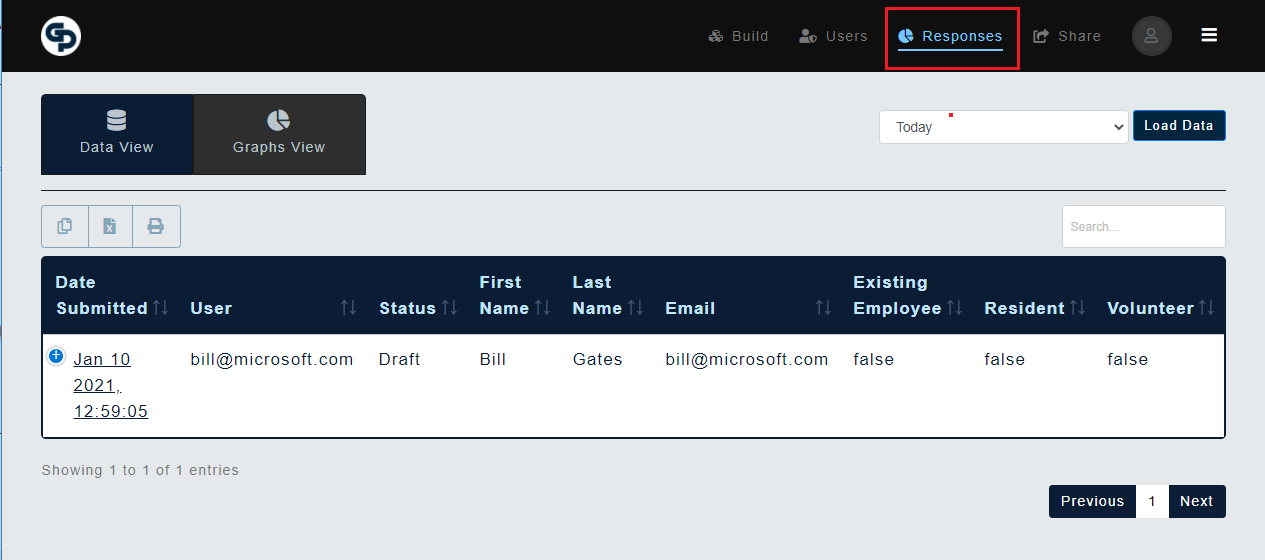
"Data" view supports:
- Instant text search of all returned results
- Instant sorting of data alphabetically by clicking on each column’s title.
- You can also print, or download the responses in csv format for further analysis within Excel
"Graphs" view on the other hand:
- Presents visual graphs to show trends in submissions, and ratios of chosen values.
Note: If on the other hand you wish to forward submissions to another system altogether, like Google Sheets, or your own system, this is possible through webhooks