
- From the "My Forms" screen, find the form you wish to set collaborators for and click on its "Users" icon that looks like this:

- (Or alternatively if you already have the form workspace open, click on the “Users” tab in the form builders top menu to get to the same screen.)
- You should end up on a screen that looks like this:
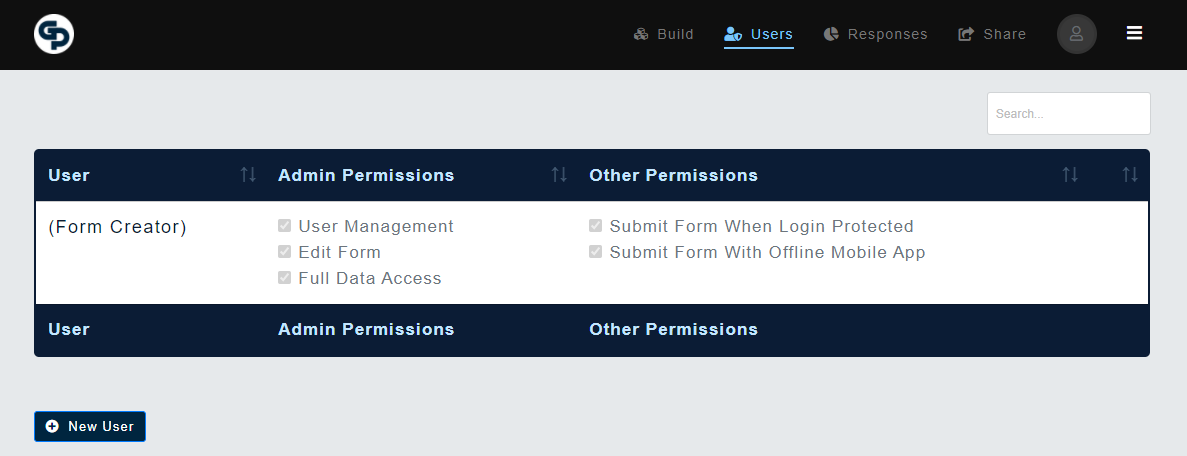
- Add the new Collaborator by clicking the “New User” button placed at the bottom of the list of existing collaborators. Now you can enter the collaborator’s email address and provide whichever access roles your want to grant them. (For a list of definitions of what these particular roles are, click here)
- The next time the newly added user logs in, they will see your form included in their list of accessible forms on their "My Forms" screen.