
You can embed GlobalPatron forms in "Google Sites" websites using two methods:
- Including a "Call to action" button on your site, that when clicked on, opens the form in a centered popup window. This is the preferred option as there is guaranteed to be no limitation on your forms functionality and your visitors still feel like they are on your website as they do not need to navigate away from your site. To get the embed code for this scenario, please see How can I launch my form from a button that opens the form in a popup window?
- Including the entire form itself inside the body of your Google Sites web page.
For security reasons Google Sites places restrictions on what embedded content can do, but if your form is a simple form that does not require things like redirects to other domains on submission, login protection or payment functionality, you can embed the form directly within the Google Sites page. To embed the form, first get its public URL from the "Share" tab in GlobalPatron: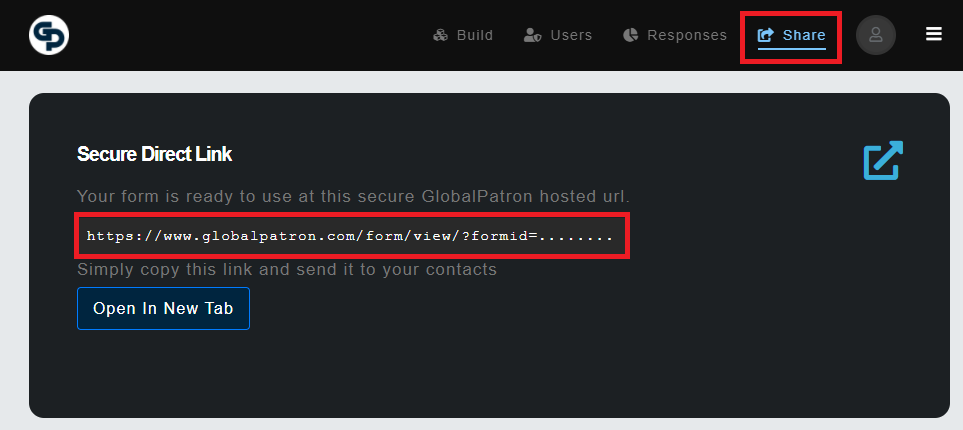
Now that you have your forms public URL, embed it within your Google Sites page by using the embed "By URL" option:
Note: For embedded forms, Google Sites blocks the "Print a copy" button on the default thank you page from being allowed to function, so it is recommended to create a custom thank you page which is also hosted within GlobalPatron, and use its URL as the thank you page URL of the form (so that no print button is shown to users).